
Statemachinelib is a java library which has two user interface frontends:
stm command StatemachineLib. 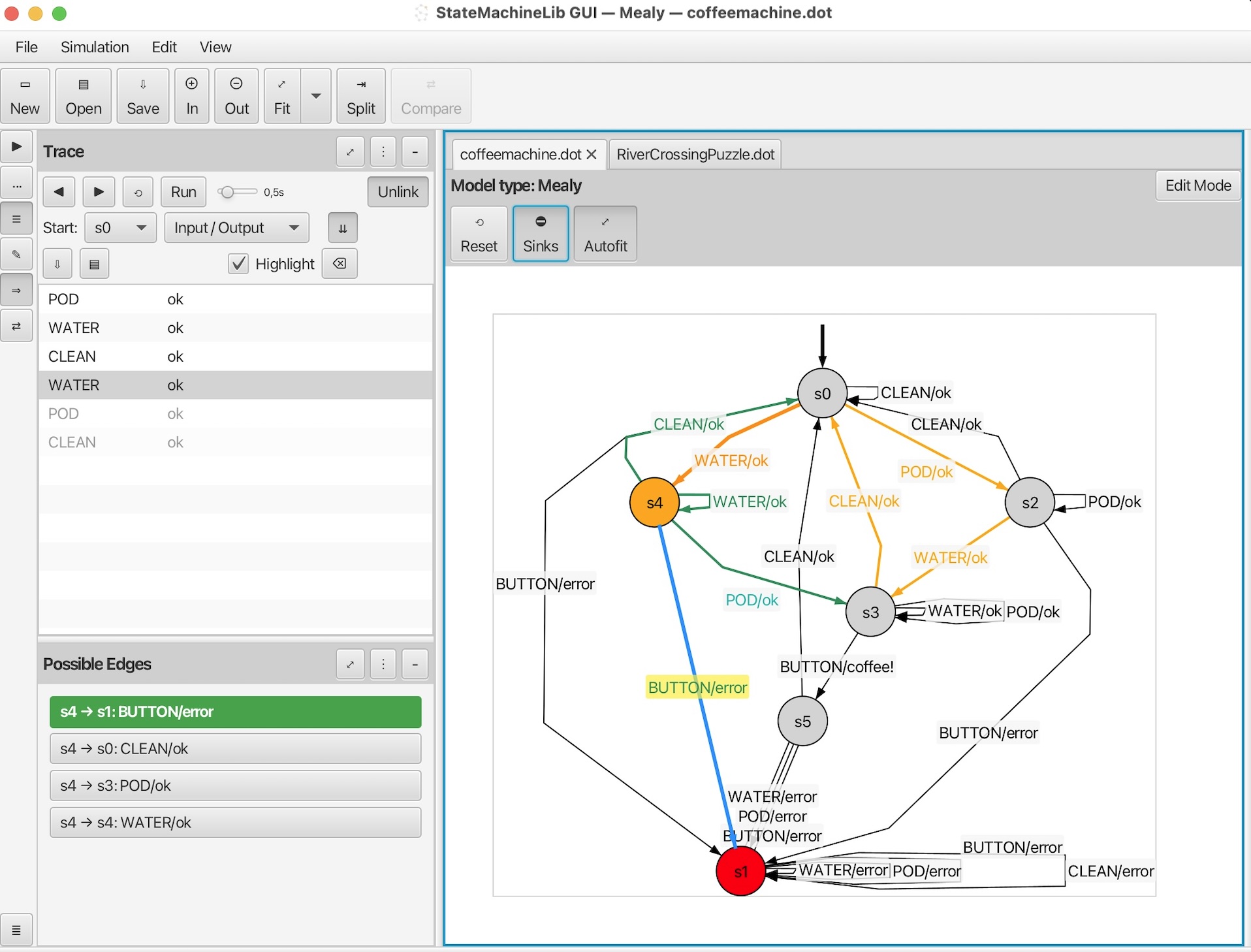
Install the GUI application 'StatemachineLib' and 'stm' command by
dot command is needed to layout models in the GUI.
This is a beta release because the GUI is pretty new. We appreciate any feedback on bugs or wanted features. You can send them to h.kuppens@cs.ru.nl. Currently we are still working on improvements such as better label placement, and making a nice view using smooth edges instead of polylines.
After installing the stm command is directly available for any new shell.
stm command is installed at /usr/local/bin/stm. Normally for the bash/zsh shell the path /usr/local/bin/ is in the default PATH environment variable and therefore the 'stm' command can directly be used after installation.
C:\Program Files\StateMachineLib\) is directly set in the windows PATH environment variable in the windows registry, so any new process should directly have this new PATH.
The libary and its frontends support the following functionality:
stm convert command we can easily convert a model file from one format to another format on the commandline.
The 'stm' commandline tool supports the following subcommands: (will be extended in the future)
    $ stm --help
    usage: stm [-h]   ...

    statemachine tool

    named arguments:
      -h, --help             show this help message and exit

    subcommands:

        translate            translate to different type of statemachine
        compare              compare two statemachine models for equivalence
        convert              convert the file format of the statemachine model
        info                 displays information about the statemachine:
                             number of states, number of transitions,  ...
        gui                  open the  statemachine  GUI  (view/edit/simulate a
                             model)